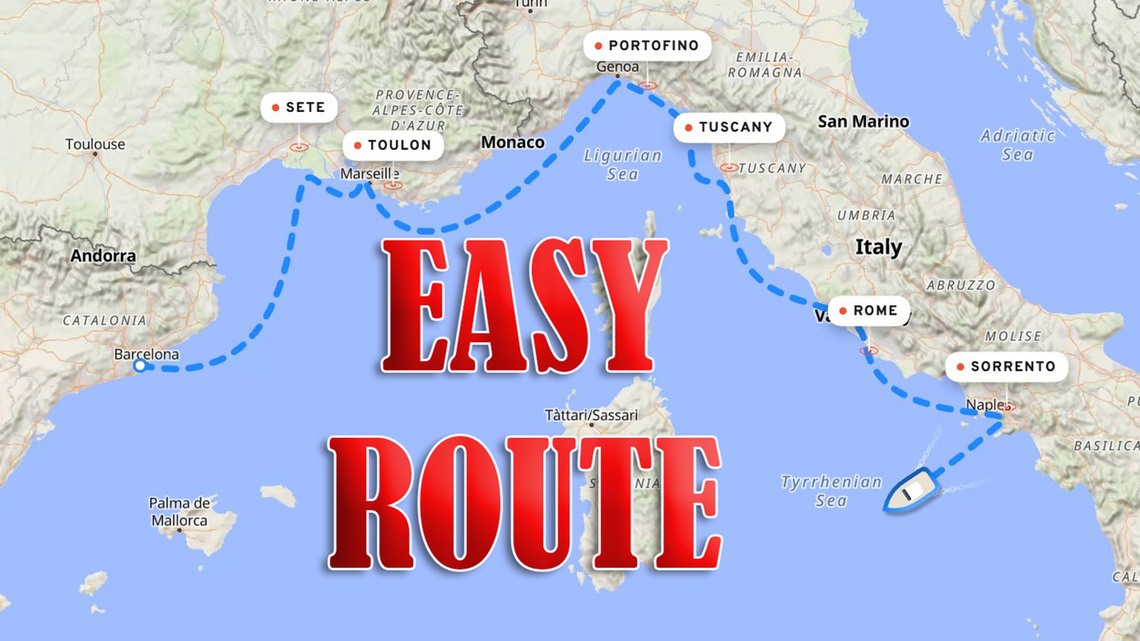
Most of us have wanted to add a route line to a map in an audio-visual production. A still line is easy; an animated one is trickier. As Pictures to Exe doesn’t facilitate an animated map, I’ve been using DaVinci Resolve which, with a few new skills and plenty of patience, works well. But here is an easier and better way.
I’ve now found a much easier, better, and what's more, a free way to animate a route. Robert Baldinger has created a browser-based programme, so there’s nothing to buy, no subscription to pay, no divulging vital information. Just log-in, choose which part of his map applies to your creation, draw the route, pick the line style, choose your method of transport and its speed, draw your route, then download a short MP4 video ready for your PTE project. Simple!
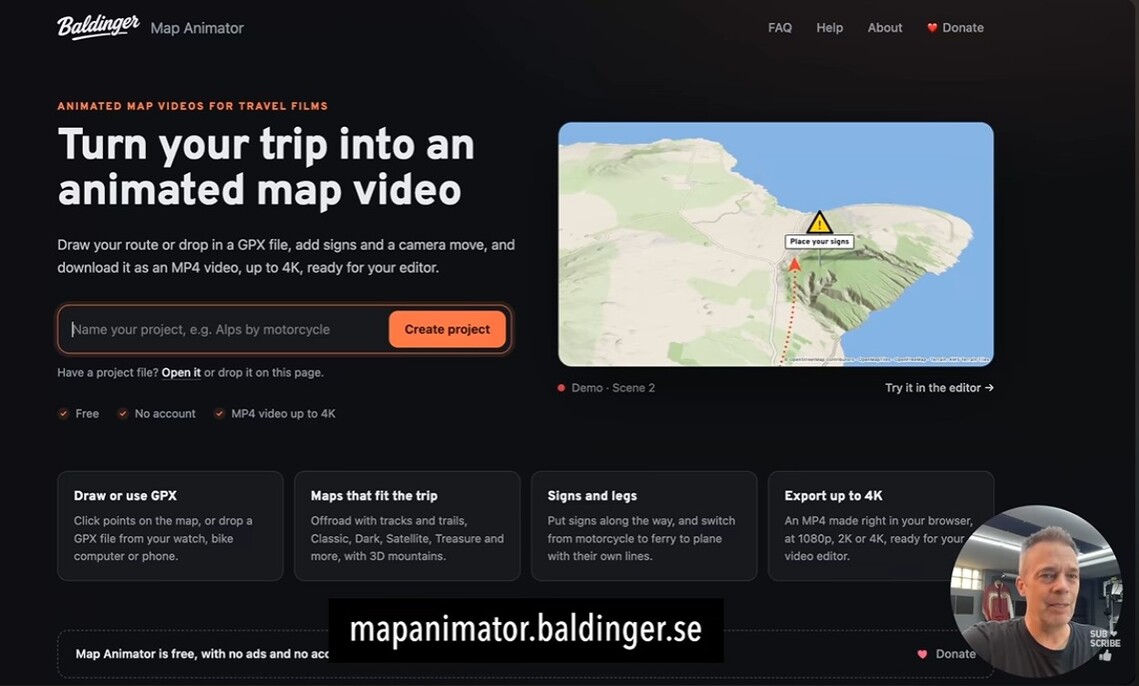
Visit his YouTube https://www.youtube.com/watch?v=7CGv25f8JsA&t=71s to get started. The instructions are explained but take a little getting used to, however, you can revisit your route, make corrections, and add pop-up signposts as you go. Downloading seems to clear the online map, so later changes may mean starting again—but hey, it’s free.
I have used this animated map a couple of times now and I’m delighted with the results, but I am passing on the information without any warranty. You must make up your own mind.
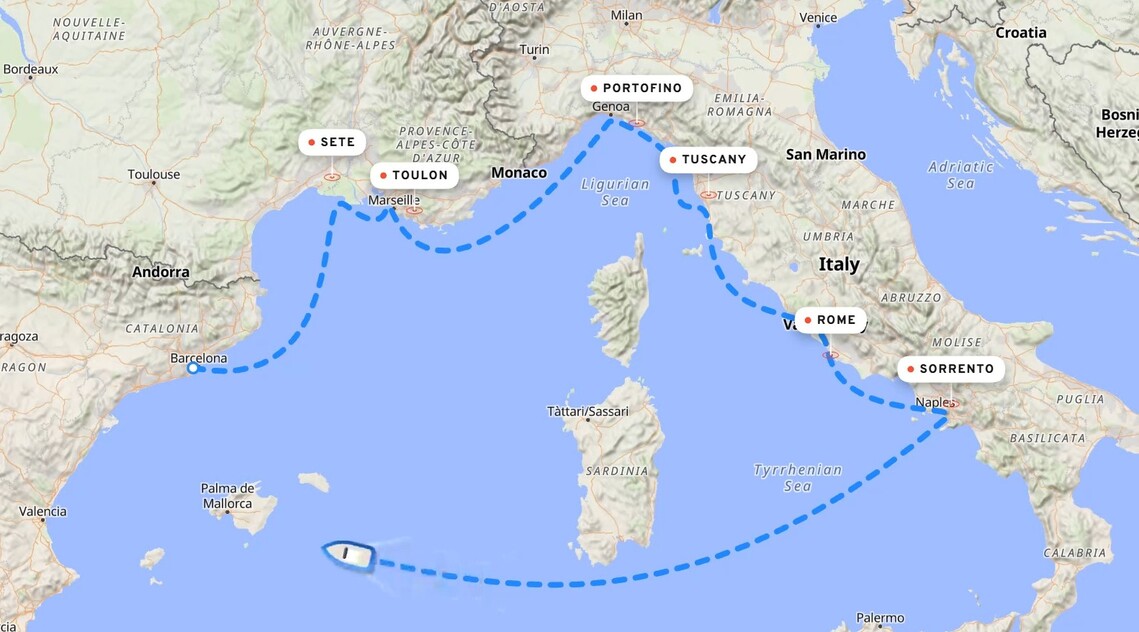
One last thing: Robert Baldinger has made this programme free to use, but there’s an option to donate. It’s not compulsory or even necessary but if you find it useful, buy him a coffee—it’s well worth it.